
Machine monitoring and downtime tracking software
See the line. Understand the shift.
Astara is machine monitoring and downtime tracking software for small and mid-sized Australian manufacturers. Connect the PLC-controlled equipment you already run, and turn its signals into a clear record of what was made, where time was lost and which faults keep coming back.
Production
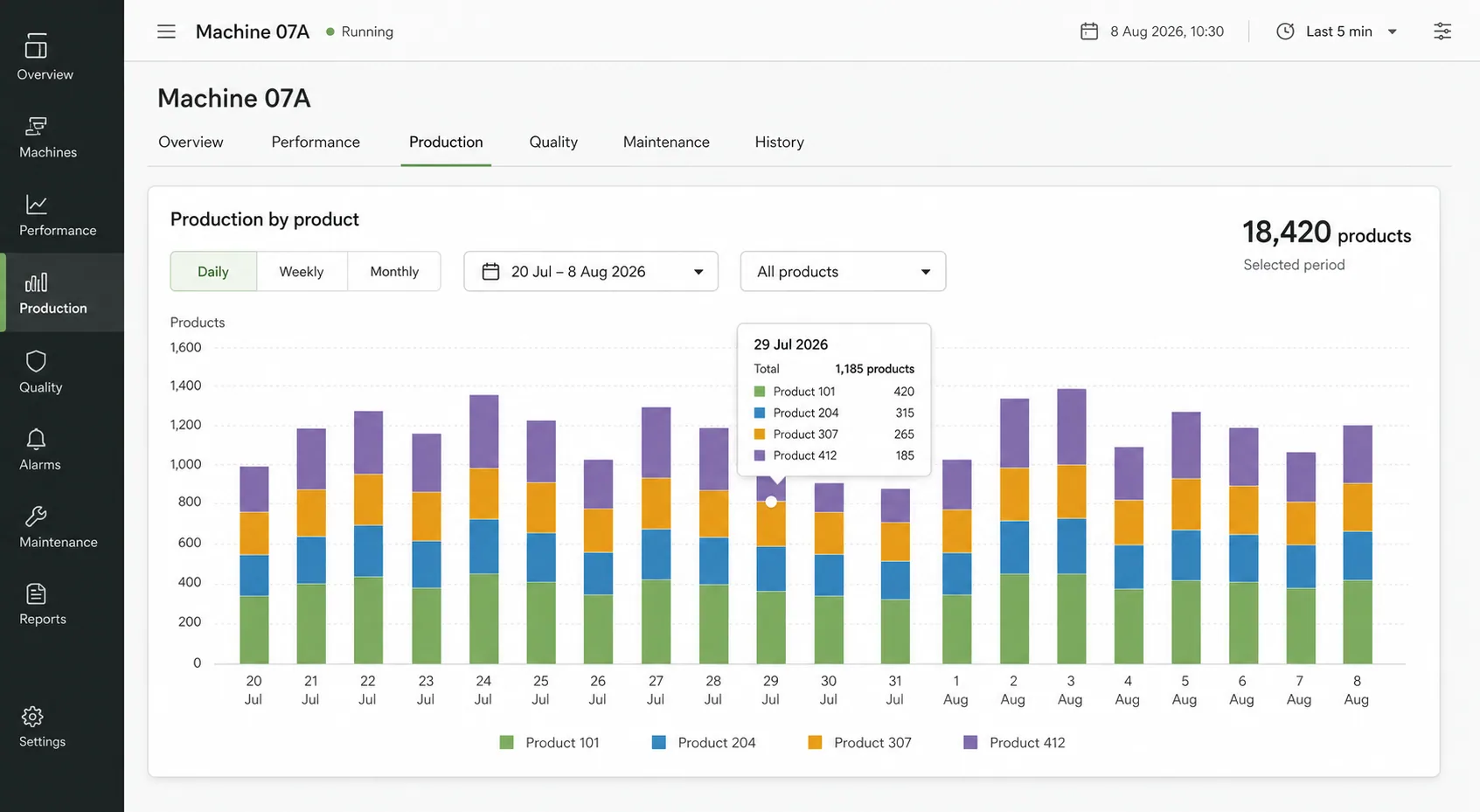
Know what each machine made, by product, shift by shift.
Downtime
See where operating time went, and what stopped the line.
Alarms
Find the faults that keep coming back, and what they cost.
Why Astara
Your machines already know where the day went.
But production counts live in one place, alarms in another, and the story of a lost hour often lives only in someone's head. Paper downtime sheets miss the short stops and round the long ones.
Astara brings those signals together without asking you to start a large industrial-IoT programme. Begin with one machine, use the data you have, and build from a record your whole team can trust.
Why manual downtime logs fall shortFeatures
Explore Astara
How it works
From a PLC signal to a decision-ready shift.
Read moreThe workspace
Dashboards, downtime reasons, plans and reports.
Read moreDowntime tracking
See where operating time went, and why.
Read moreMachine monitoring
Live state and production across every site.
Read moreOEE
The availability and performance evidence behind OEE.
Read morePLC data collection
Read-only OPC UA collection at the edge.
Read moreFood & packaging
Production visibility for food and packaging lines.
Read moreHow it works
From a PLC signal to a decision-ready shift.
A read-only gateway at your site observes the equipment, keeps the evidence safe through network outages and passes it to the workspace, where your team sees what happened.
Connect existing equipment
Start with the signals your PLC-controlled machines already produce, or begin with a structured import.
Collect at the edge
A read-only site gateway gathers machine state, product code, production totals and alarms, even when the WAN is unavailable.
Improve with evidence
See production, lost time and recurring issues together, then give the next shift a reliable operational record.
The workspace
Every machine. One operating picture.
Move from a site-wide snapshot into a single machine. Compare production, understand lost time and give recurring issues somewhere to go.
- Production totals with product context
- Running, stopped, idle, faulted and unknown time
- Alarms, data quality and communication health
- Plans against what was made, and a weekly report
Where it works
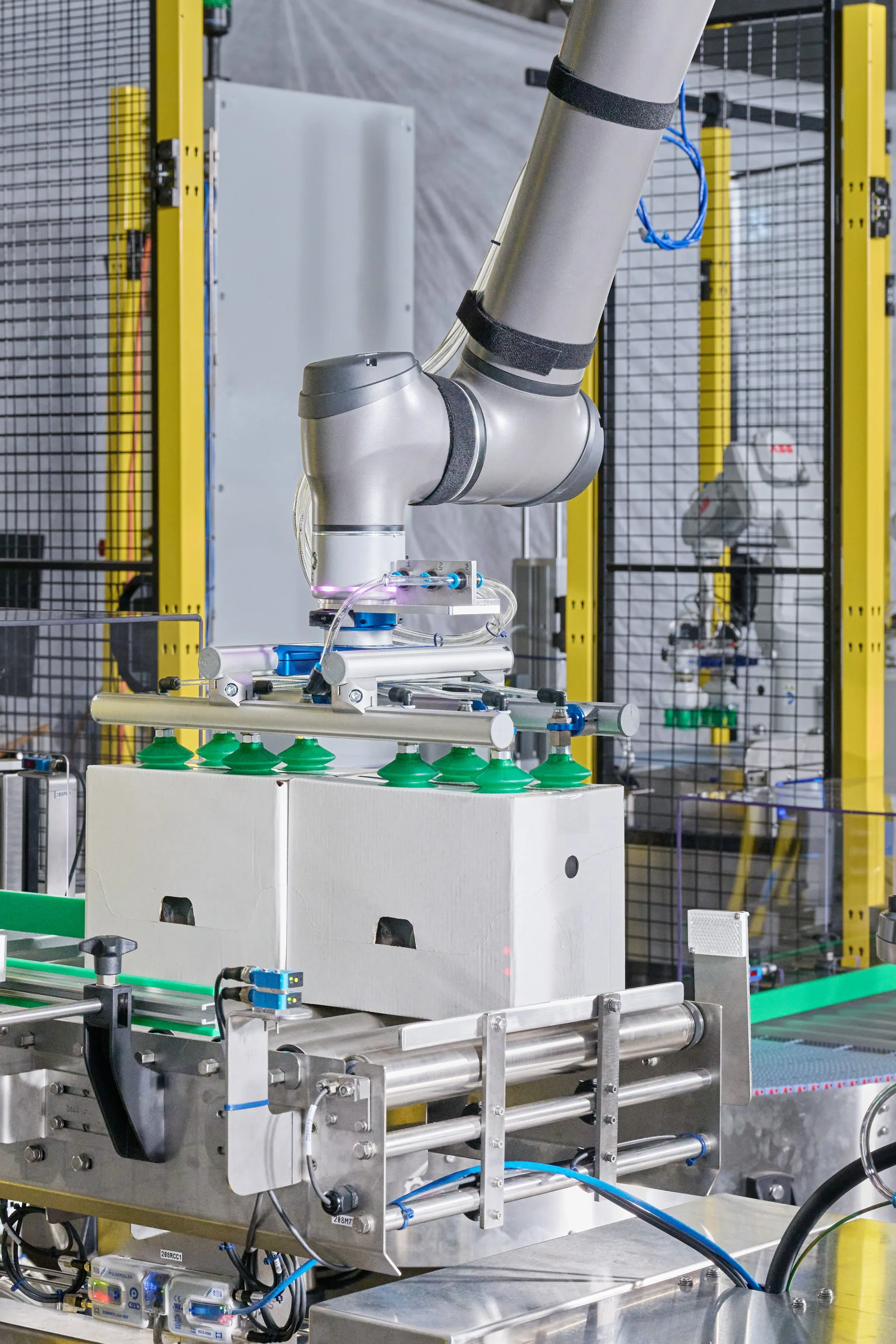
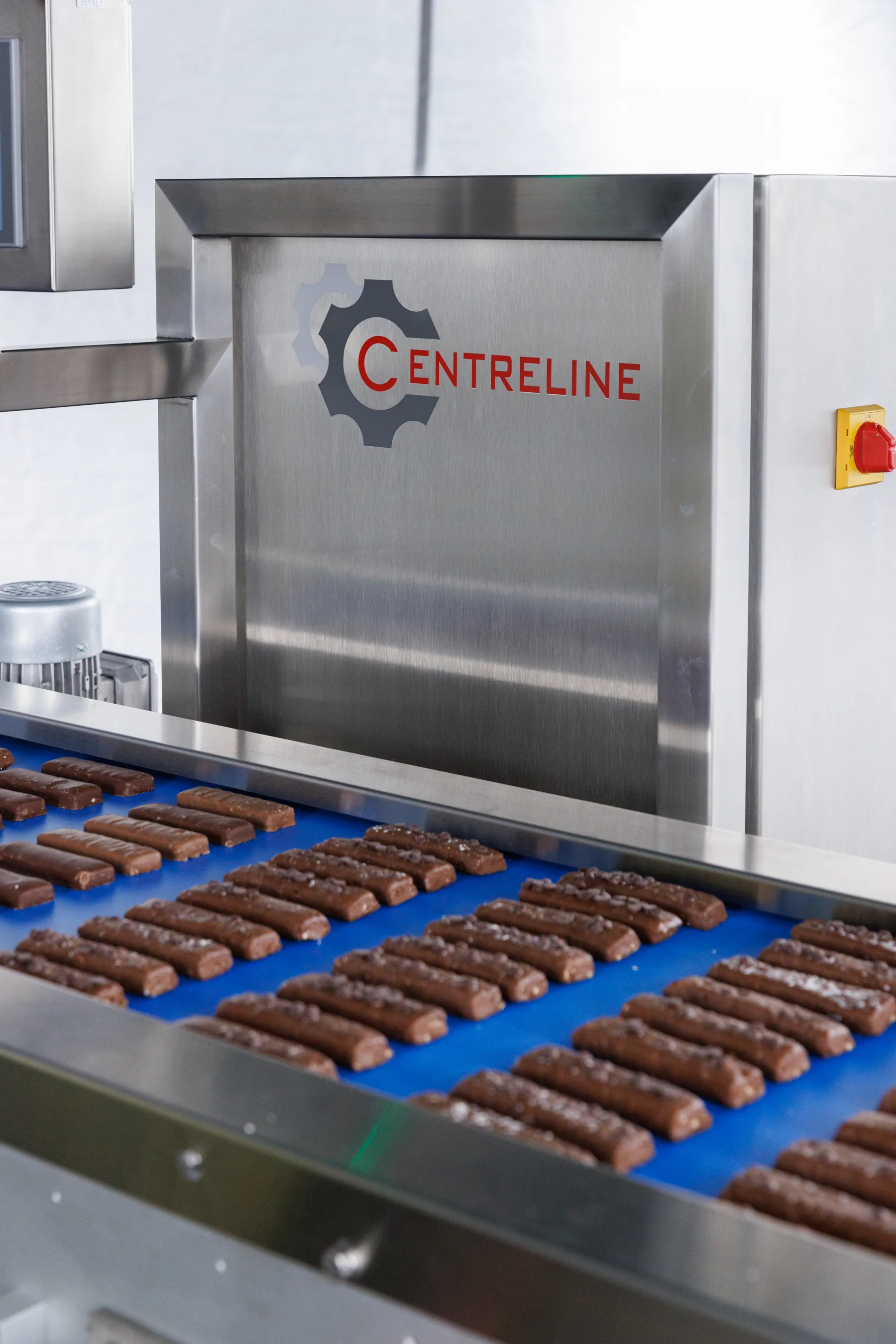
Built around the machinery that keeps things moving.
Fillers, formers, wrappers, case packers and palletisers: the PLC-controlled equipment on food and packaging lines.

Questions
What people ask first.
Who is Astara for?
Small and mid-sized Australian manufacturers, especially food and packaging, who run PLC-controlled equipment and want a clear record of production, downtime and alarms without starting a large industrial-IoT programme.
What do we need to get started?
An Astara gateway at your site and machines whose PLCs expose a few signals over OPC UA: machine state, product code and a production total, with an optional fault code. If a machine is not ready for a live connection, you can start by importing production and alarm history as CSV files.
Does Astara change how our machines run?
No. The gateway is read-only. It reads and subscribes to signals and never writes values or calls methods on the controller, so it cannot affect how a machine runs.
What happens if the internet connection drops?
The gateway keeps collecting and stores every event on the site. When the connection returns it sends them in order, and deletes each one only after the cloud confirms it arrived. Time a machine could not be reached shows as unknown, never as stopped.
How is Astara priced?
Per connected machine, with everyone in your organisation included. Prices are in Australian dollars and include GST, paid monthly or yearly. Each site needs an Astara gateway, which connects up to 3 machines.
Can we start with one machine?
Yes. Most sites begin with one machine to build a baseline they trust, then add machines to the same gateway, or more gateways, at their own pace.
Start with one machine. Make the next shift easier to understand.
Bring a machine, a spreadsheet or simply a question. We'll show you what a clearer operational story can look like.
Book a demo