
Downtime tracking software
Downtime tracking from the machine itself.
Astara records every stop directly from your PLC-controlled equipment, so lost time is measured rather than remembered. See how long each machine ran, stopped, idled or faulted, and what caused it.
Why manual logs fall short
A lost hour should not depend on someone's memory.
Paper downtime sheets and end-of-shift spreadsheets miss the short stops, round the long ones and rarely agree with what the machine actually did.
Astara takes machine state and fault codes straight from the controller. Every state change becomes a timed interval, so the downtime record is complete before anyone picks up a pen.
What you can see
Every stop, with its cause.
Downtime is only useful when it is trustworthy and explained. Astara keeps the evidence and the explanation together.
Automatic state intervals
Running, stopped, idle and faulted time is calculated from machine state changes, not from manual entries.
Honest about unknowns
When a machine or gateway is offline, the time is shown as unknown. It is never silently counted as stopped.
Fault codes in plain language
Raw PLC fault numbers are explained by each machine's own alarm code list, so a stop reads as a cause, not a number.
Downtime reasons
Supervisors classify stops against a reason list your administrators control, turning events into categories you can act on.
Recurring issues
See which alarms repeat, how long they last and which ones are linked to stops, so the next fix targets the biggest loss.
Period comparison
Compare today, the last 8 or 24 hours, the last 7 days or a custom range against the previous period.
From stops to decisions
Where the time went. At a glance.
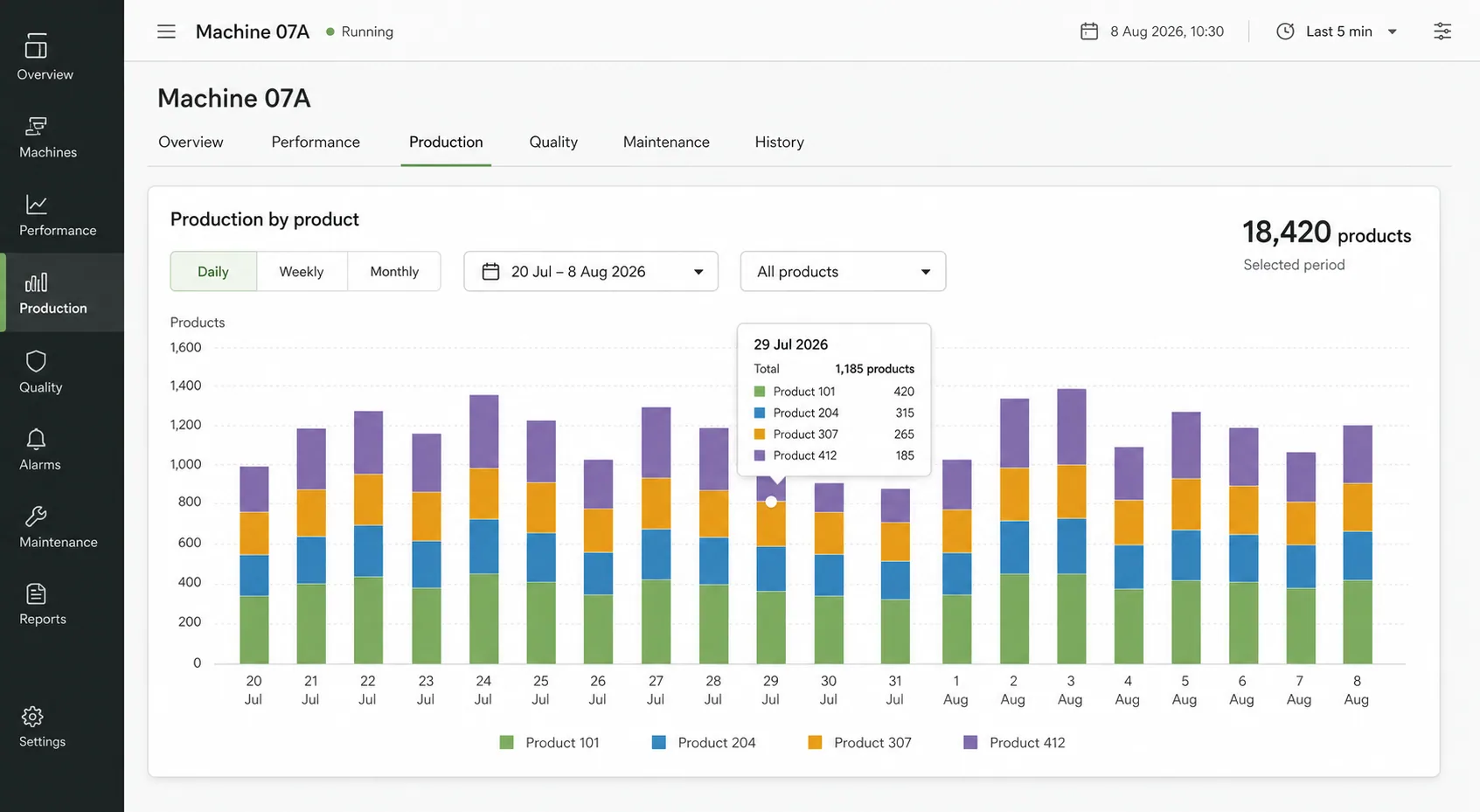
Each machine has a time-allocation view and a fault timeline, backed by a weekly report your team can take into a production meeting.
- Time allocation by machine state for any period
- Fault timeline with the most recent fault always visible
- Weekly report with run time, idle time and fault count
- Roles that keep classification with supervisors
Common questions
Downtime tracking, answered.
How does Astara detect downtime?
A read-only site gateway reads the machine state from your PLC over OPC UA. Each change of state starts a new timed interval, so stops are captured automatically, including short ones that manual logs usually miss.
Do operators have to enter anything?
No. Stops are recorded without operator input. Supervisors can optionally assign a reason to a stop afterwards, using a reason list that your administrators manage.
What happens if the network drops?
The gateway stores events locally and forwards them when the connection returns. If the machine itself cannot be reached, that time is reported as unknown rather than as downtime.
Can we start with a single machine?
Yes. Most sites begin with one machine to establish a trustworthy baseline, then add more machines to the same gateway.
Features
More from Astara
How it works
From a PLC signal to a decision-ready shift.
Read moreThe workspace
Dashboards, downtime reasons, plans and reports.
Read moreMachine monitoring
Live state and production across every site.
Read moreOEE
The availability and performance evidence behind OEE.
Read morePLC data collection
Read-only OPC UA collection at the edge.
Read moreFood & packaging
Production visibility for food and packaging lines.
Read moreStart with one machine. Make the next shift easier to understand.
Bring a machine, a spreadsheet or simply a question. We'll show you what a clearer operational story can look like.
Book a demo