
OPC UA data collection
PLC data collection read-only by design.
Astara Edge is a small site gateway that reads the signals your PLCs already produce, keeps them safe through network outages and delivers them securely to your workspace.
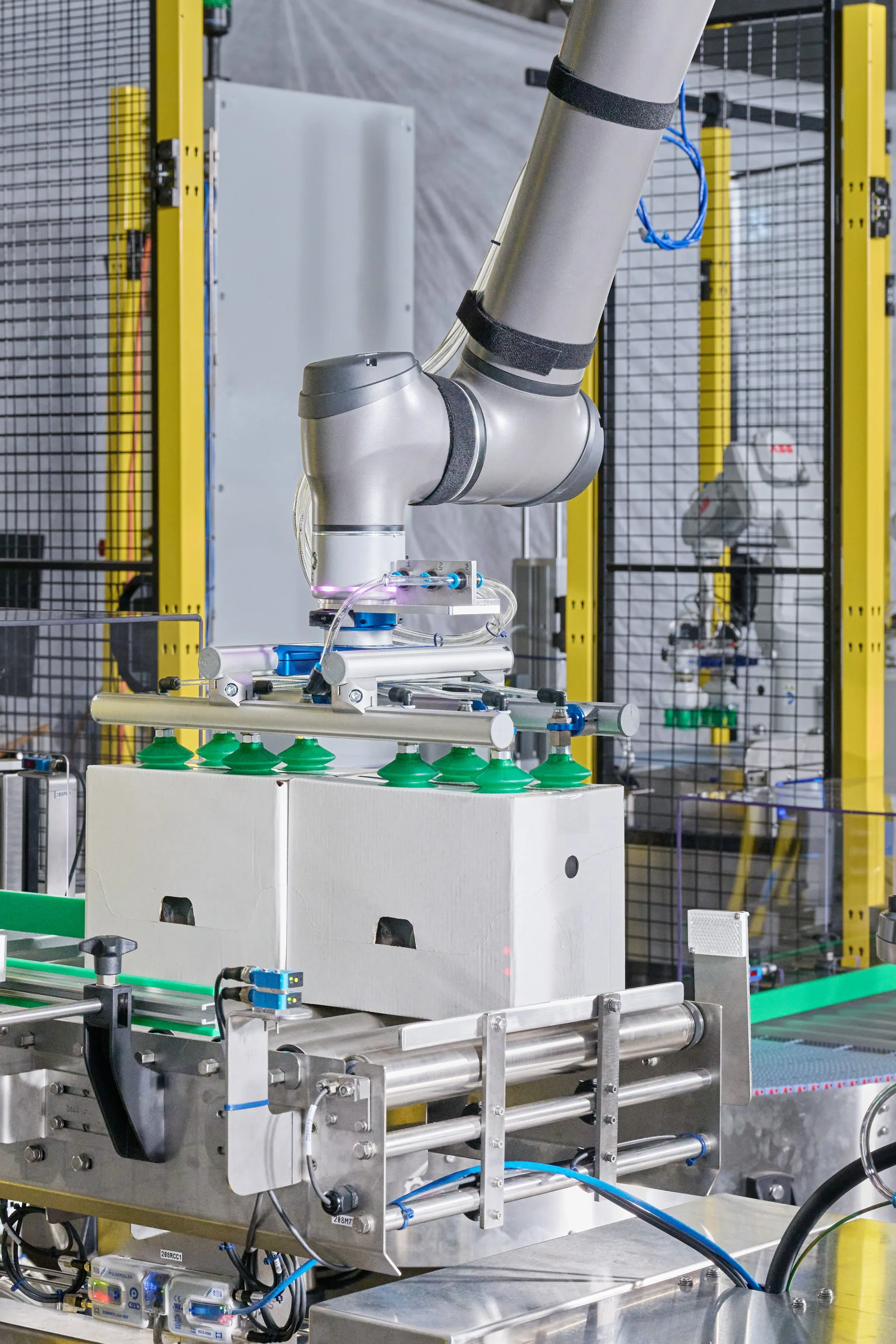
Connecting without risk
Getting data out should never put the machine at risk.
Engineers are right to be cautious about anything that connects to a controller. A data collector should observe the machine and nothing more.
Astara Edge only reads. It performs no OPC UA writes and calls no methods, so it cannot change a setpoint, start a machine or stop one.
How the Edge works
Observe, buffer, deliver.
Each layer has one job, and no layer depends on the network being available at the moment a machine changes state.
Read-only OPC UA
The gateway discovers, reads and subscribes to signals. It never writes to the controller.
A session per machine
Each machine has its own connection, so one unreachable PLC does not interrupt collection from the others.
Durable local buffer
Events are written to local storage before they are sent, and are kept until the cloud confirms receipt.
Authenticated HTTPS uplink
Data is delivered in batches over HTTPS with a gateway token, and retried with backoff until acknowledged.
Gateway heartbeat
The gateway reports its own health separately, so you can tell a stopped machine from a lost connection.
Simple site footprint
A compact industrial appliance, one per site, with no software to install on your PLCs or office computers.
The signals that matter
Four signals. One clear story.
Astara deliberately starts small. A handful of well-understood signals is enough to explain production and lost time.
- Machine state: running, stopped, idle or faulted
- Product code: what the machine was making
- Production total: a counter, with resets handled
- Fault code (optional): explained by your alarm list
Common questions
PLC data collection, answered.
Does Astara write anything to the PLC?
No. Astara Edge is read-only. It does not write values or call OPC UA methods, so it cannot affect how the machine runs.
What happens when the internet connection is lost?
The gateway keeps collecting and stores events locally. When the connection returns, it sends the stored events and removes them only after the cloud acknowledges each one.
Which signals do we need to expose?
Machine state, product code and a production total are enough to begin. A fault code is optional and lets Astara explain stops using each machine's alarm code list.
What if a machine has no OPC UA server?
You can start by importing production and alarm history as CSV files. That gives you the same dashboards while a live connection is planned.
Features
More from Astara
How it works
From a PLC signal to a decision-ready shift.
Read moreThe workspace
Dashboards, downtime reasons, plans and reports.
Read moreDowntime tracking
See where operating time went, and why.
Read moreMachine monitoring
Live state and production across every site.
Read moreOEE
The availability and performance evidence behind OEE.
Read moreFood & packaging
Production visibility for food and packaging lines.
Read moreStart with one machine. Make the next shift easier to understand.
Bring a machine, a spreadsheet or simply a question. We'll show you what a clearer operational story can look like.
Book a demo