Astara now installs as an app on Windows, Android and iPhone
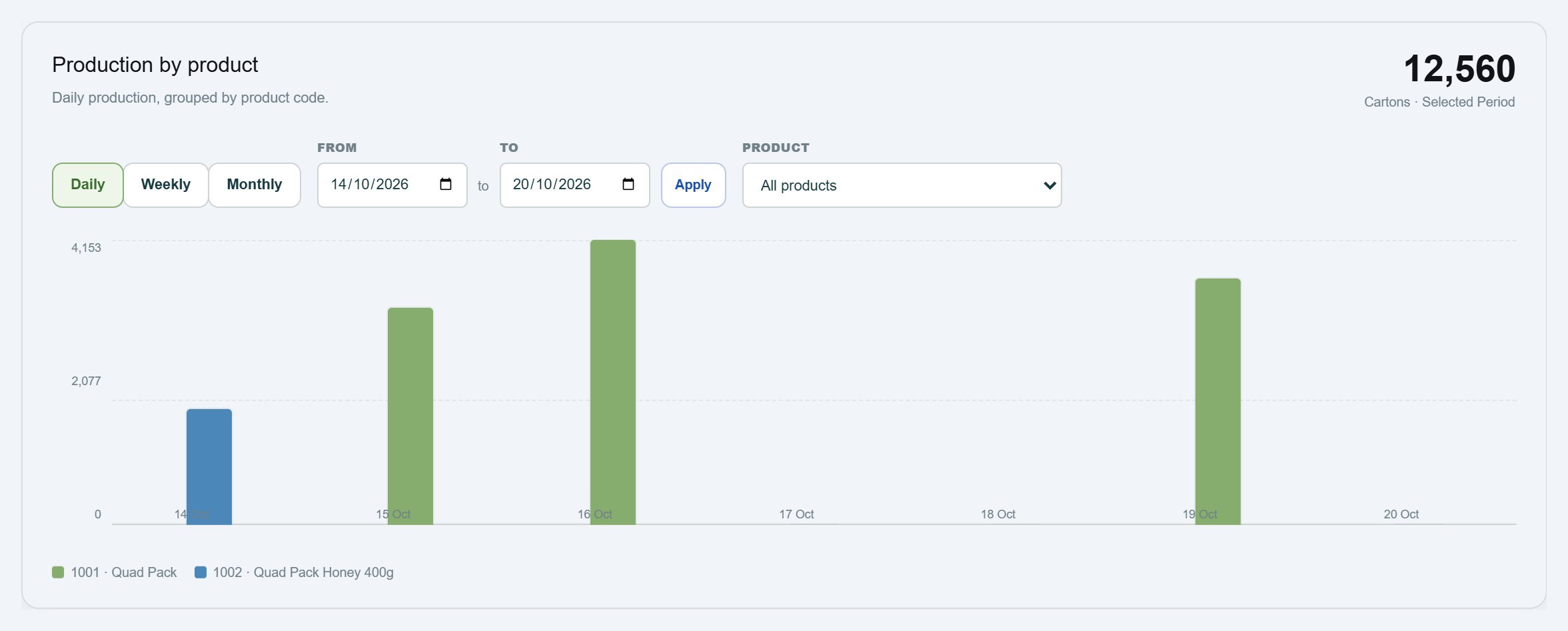
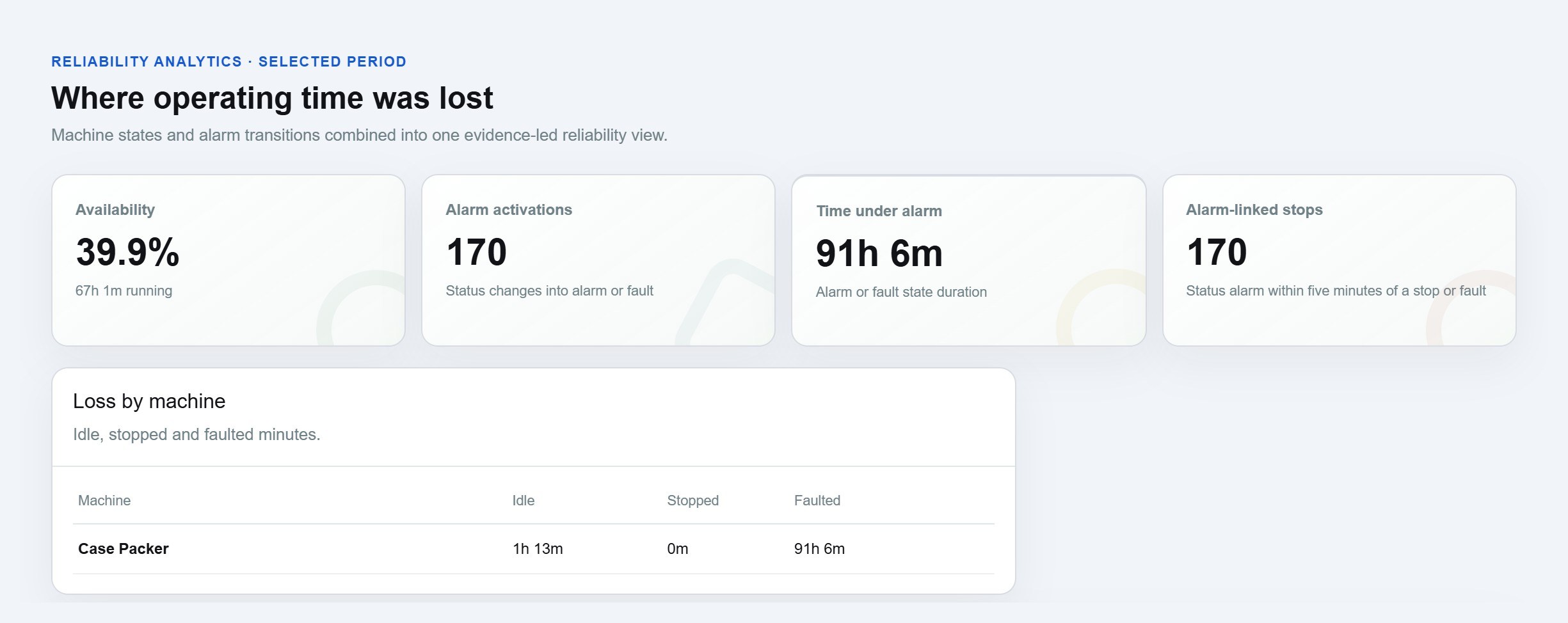
Astara 4.42.0 lets you install your machine monitoring workspace as an app on a Windows PC, Android phone or iPhone, so production and downtime are one tap away.
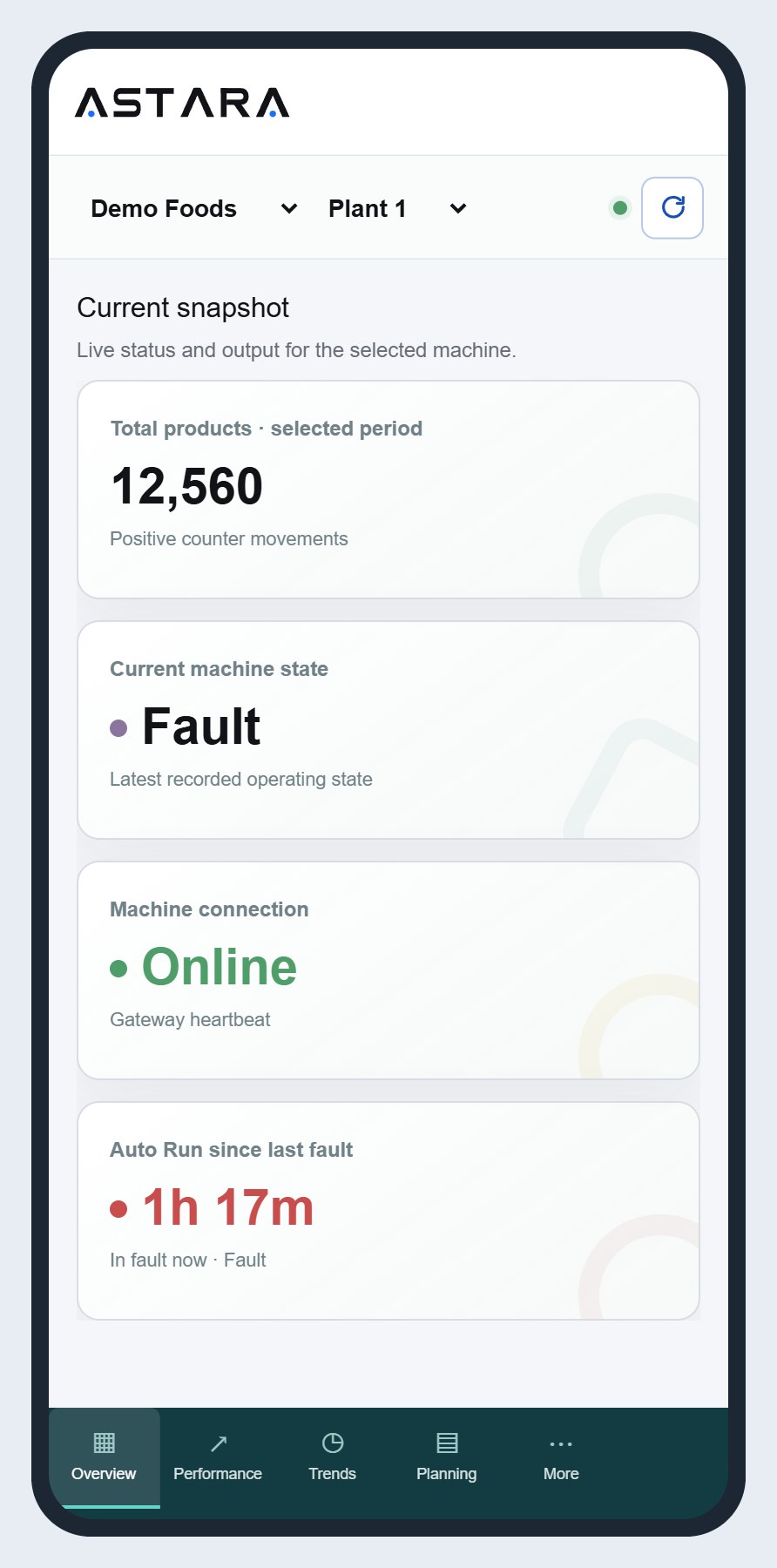
Most people who use Astara check it many times a shift: a supervisor glancing at the line state between jobs, a production manager checking output before the morning meeting, a maintenance lead seeing whether a filler is back in Auto Run. With Astara 4.42.0, you no longer have to find a browser tab to do that. Astara now installs as an app on Windows, Android and iPhone, and opens straight at your workspace in its own window with the Astara icon.
What changes for your team
- One tap to the line. Astara sits on the taskbar, the Start menu or the home screen next to your other work apps. It opens at the workspace, signed in, at the site you last looked at.
- Its own window. No address bar or browser tabs: just the Overview, Performance, Trends and Planning pages, the same as in the browser.
- Nothing new to install or update. There is no app store download. The app is the Astara workspace itself, so every release reaches it the moment it ships.
- Same sign-in, same permissions. Roles carry over unchanged. Viewers can still only view, and supervisors can still classify downtime.
How to install Astara
Windows (Microsoft Edge or Google Chrome)
- Open astara.au/workspace and sign in.
- Select the install icon at the right of the address bar, or open the browser menu and choose Apps → Install Astara (Edge) or Cast, save and share → Install page as app (Chrome).
- Astara appears in the Start menu. Right-click it to pin it to the taskbar.
Android (Chrome)
- Open astara.au/workspace and sign in.
- Tap the menu (⋮) and choose Add to Home screen or Install app.
iPhone and iPad (Safari)
- Open astara.au/workspace in Safari and sign in.
- Tap the Share button, then Add to Home Screen.
A clear message when the network drops
Factory Wi-Fi isn't always reliable, and a phone walking the floor often moves between access points. When a page can't load, Astara now shows its own No connection page instead of the browser's error, and reloads by itself when the network comes back.
We kept this deliberately small. The app caches only that one page and its icon. Your dashboards, production figures and live machine states always come straight from the network, so you never look at an old number thinking it is current. That matters on a monitoring system: a stale “Running” is worse than an honest “No connection”.
Your machine data is still collected while you're offline
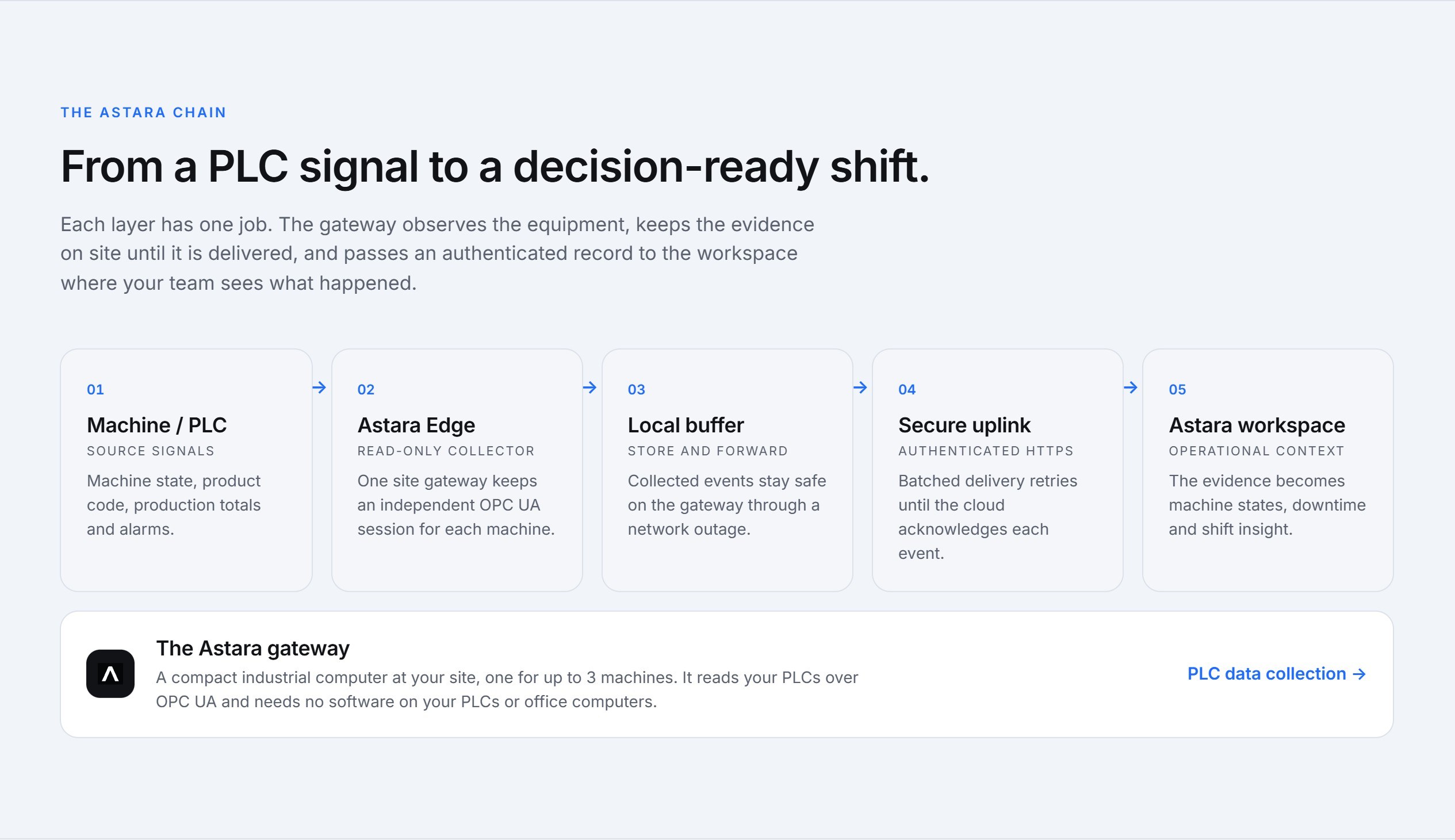
The offline page is about your phone or PC, not your machines. On site, the Astara gateway keeps reading your PLCs and stores every event locally if the internet connection drops. When the connection returns it sends them in order, and Astara fills in the production and downtime record. How Astara works explains the gateway's store-and-forward design in more detail.
Questions
Does the app cost extra?
No. Astara is priced per connected machine with every user in your organisation included, and the app is part of the workspace. See pricing.
Does it work on shared PCs on the factory floor?
Yes. Install it once on the shared PC and pin it to the taskbar; each person signs in with their own account so their role applies.
Can I remove it?
Yes, the same way you remove any app: from the Start menu on Windows, or by long-pressing the icon on Android and iPhone. Your account and data are unaffected.
Astara 4.42.0 is live now for every customer. If you'd like to see the workspace on your own line, get in touch.