What's new in Astara — October 2026
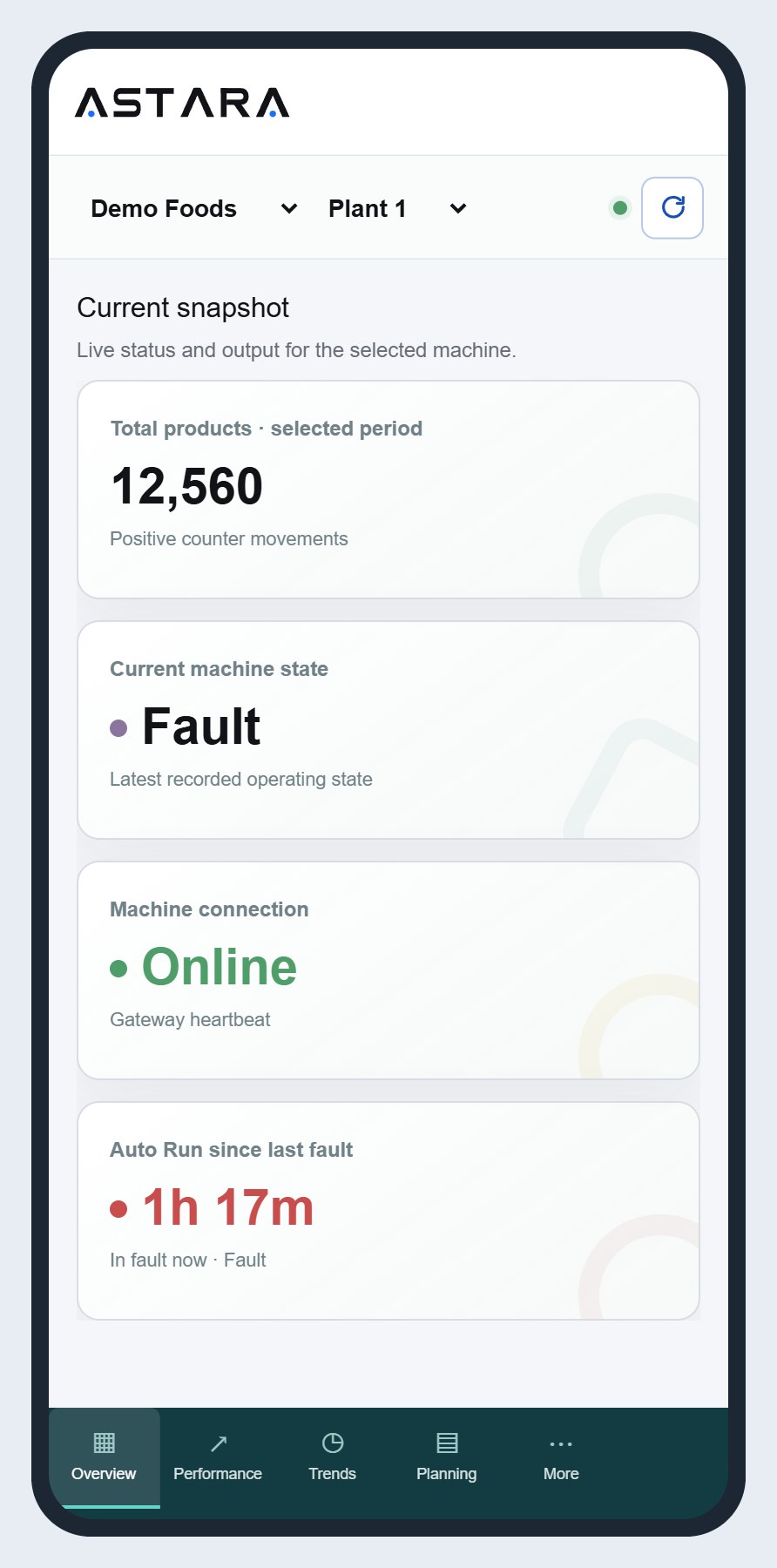
Buy Astara online, order and claim your own collectors, and set them up in the app with PLC templates, Test connection and a live checklist.
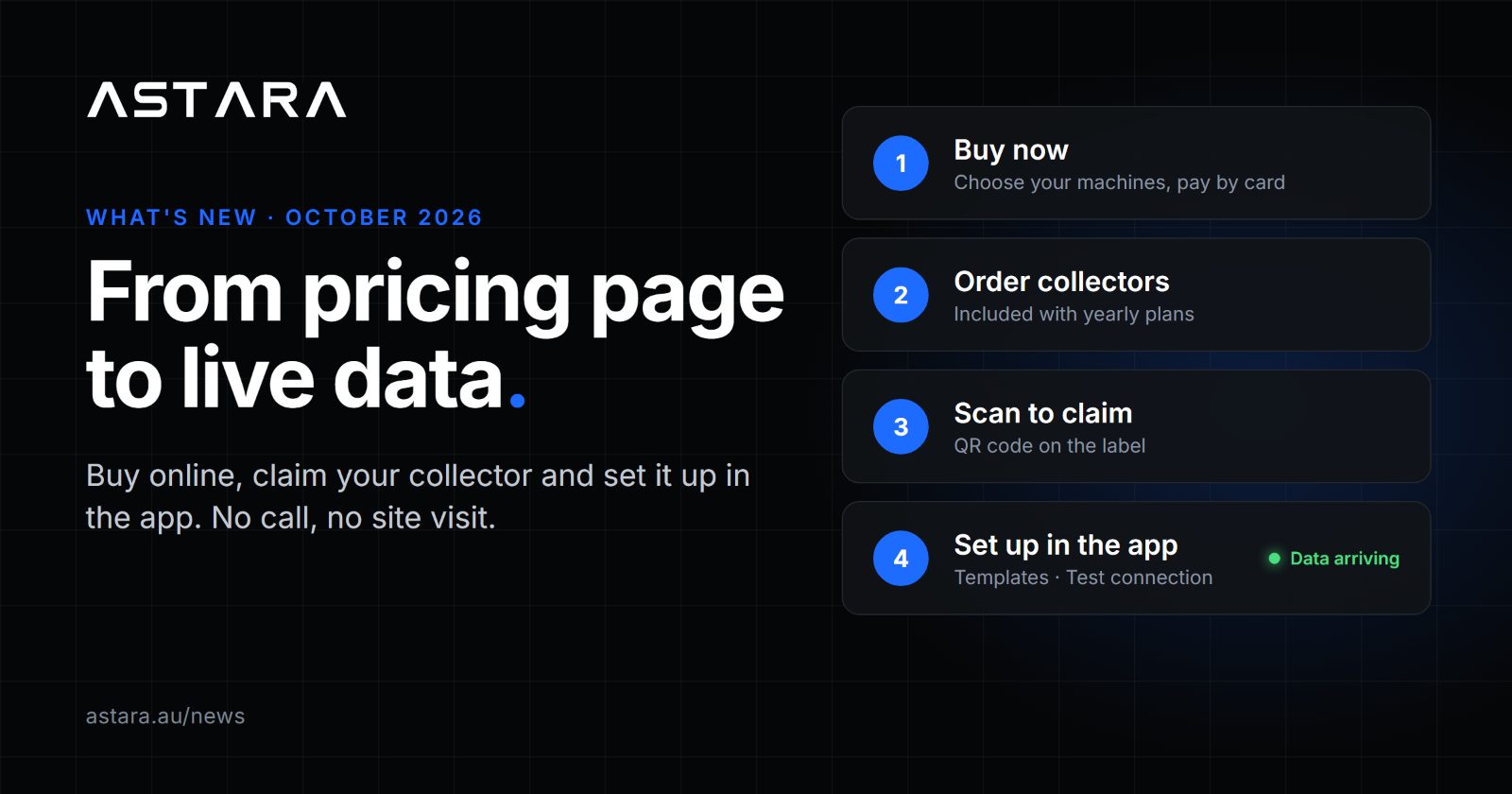
You can now go from the pricing page to live machine data without waiting on anyone. Over the last three weeks we shipped self-serve buying, collectors you order and set up yourself in the app, and Astara as an installable app. Here is what changed and how to use it.
Buy today, set up after
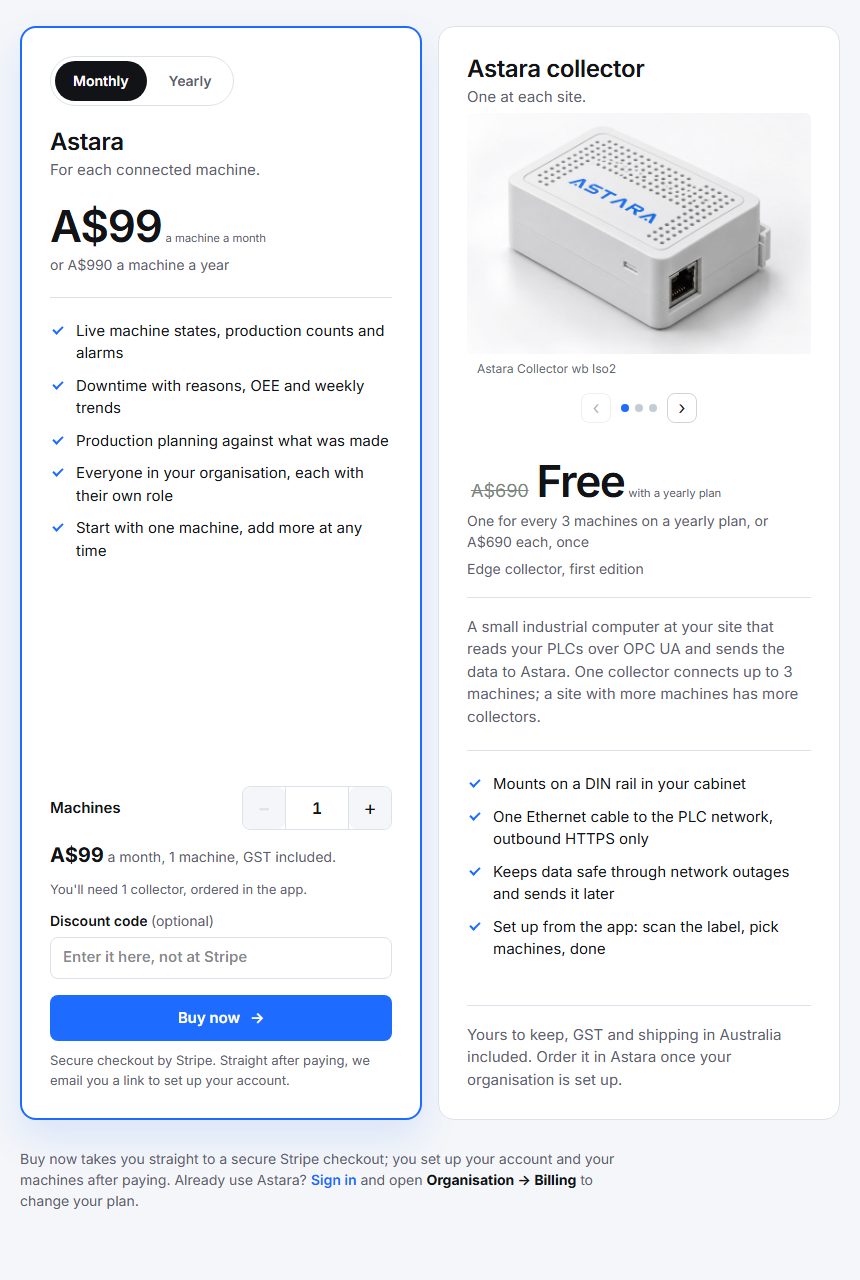
Getting started no longer needs a call or a form. On astara.au/pricing, choose how many machines you want to monitor, see the total for the month or year, add a discount code if you have one, and select Buy now. You pay through a secure Stripe checkout.
Once payment goes through, we email you a link. Follow it, add your name, your organisation and a password, and you land in your new organisation, signed in and ready to go. Prefer to look around first? Set up your organisation on the sign-in page creates your account before you pay.
From there, organisation administrators do the whole setup themselves under Organisation:
Plan and billing: change the number of machines, switch between monthly and yearly.
Sites and machines: add your sites (name, timezone, address) and machines, with the same Setup, Products, Conversions and Alarm codes tabs our team uses. The panel shows how many machine places your plan has left.
People: invite your supervisors, planners and viewers.
Collectors you order, claim and set up in the app
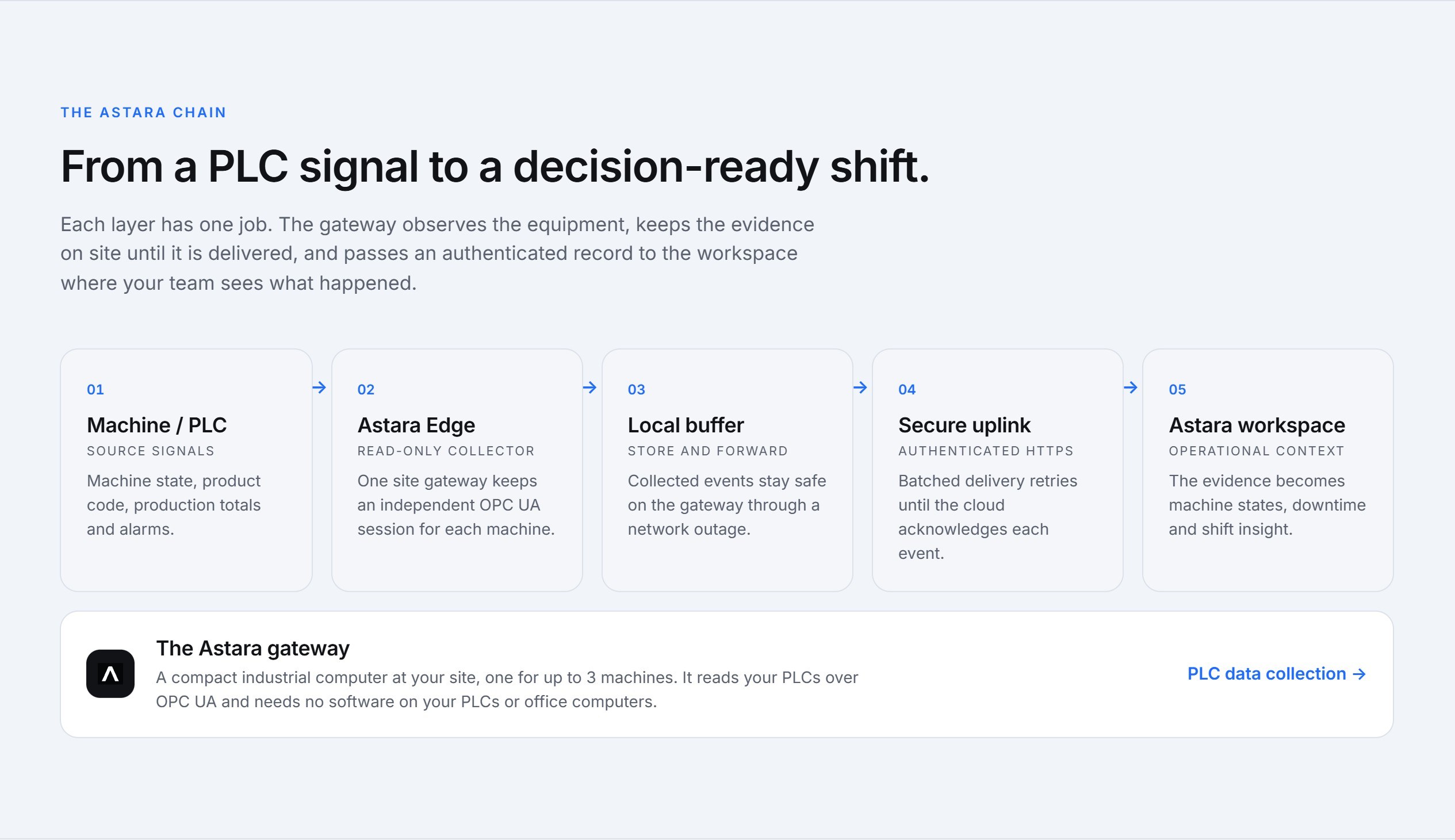
The Astara collector is the small unit in your control cabinet that reads your PLCs and sends the data to Astara. It now arrives ready to go, and everything after unboxing happens in the app. No installer, no remote login, no visit from us.
Order it. Organisation → Collector orders lets you buy collectors for any of your sites. On a yearly plan, collectors can be included at no extra cost: one for every three machines on your plan. Only your organisation can claim the units you ordered.
Claim it. Scan the QR code on the label, or type the serial and claim code at astara.au/claim. Codes are forgiving: upper or lower case, with or without dashes.
Set it up. Organisation → Collectors → Set up. Choose up to three machines for the collector and enter each PLC's connection details. PLC passwords are encrypted in your browser and only the collector can read them.
Connect it to your cabinet network. Use automatic addressing (DHCP) or a fixed address, with DNS and an optional proxy. If the new settings can't reach Astara within three minutes, the collector rolls back on its own, so a typo never strands it. If the collector has never been online, download a network file and plug it in on a USB stick.
Three tools make the PLC side much faster:
PLC templates for Siemens S7-1500, Beckhoff TwinCAT 3 and Omron NX/NJ (PackML PackTags), and Centreline machines, fill in the security settings and signal addresses for you.
Test connection checks the PLC from the collector before you save. If something is wrong, it tells you which step failed (not reachable, certificate not trusted, user refused, unknown tag) and what to do about it.
Browse tags lets you pick each signal straight from the PLC's tag list instead of typing its address.
A live checklist then follows the collector from online through to data arriving, machine by machine. If you ever need to, you can restart collection or release a collector from the same screen.
A new astara.au
The public site has been rebuilt so it's easier to see what Astara does before you buy:
Feature pages under Features: how it works, the workspace, downtime tracking, machine monitoring, OEE evidence, PLC data collection, and food and packaging lines.
An FAQ at astara.au/faq answering the common questions.
Pricing at astara.au/pricing with the live per-machine price, product details and photos of the collector.
News at astara.au/news, where updates like this one live, with an RSS feed if you'd like them in your reader.
Questions about any of these? Contact us.