Downtime reason codes: build a list your team will use
How to build downtime reason codes that supervisors actually use: keep the list short, separate what the machine knows from what people know, and review it as you learn.
Downtime reason codes turn “the line stopped” into “the line stopped because we ran out of cartons”. Without them, a downtime record tells you how much time you lost but not what to do about it. Yet most reason code lists fail. They grow to dozens of overlapping codes, operators pick “Other” or the first item in the list, and the data becomes noise. Here's how to build downtime reason codes your team will actually use.
Separate what the machine knows from what people know
The biggest improvement you can make is to stop asking people to record things the machine already knows.
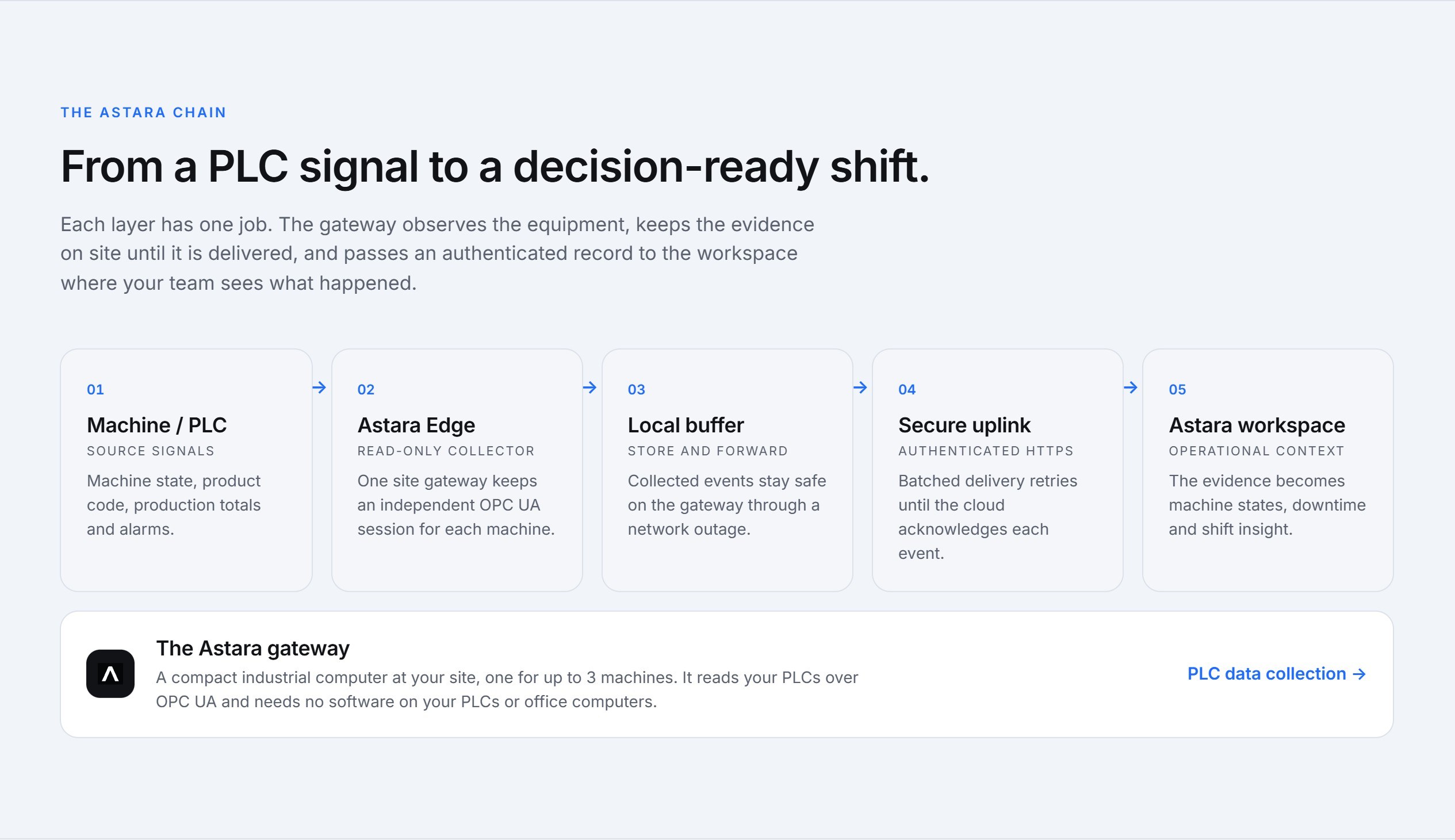
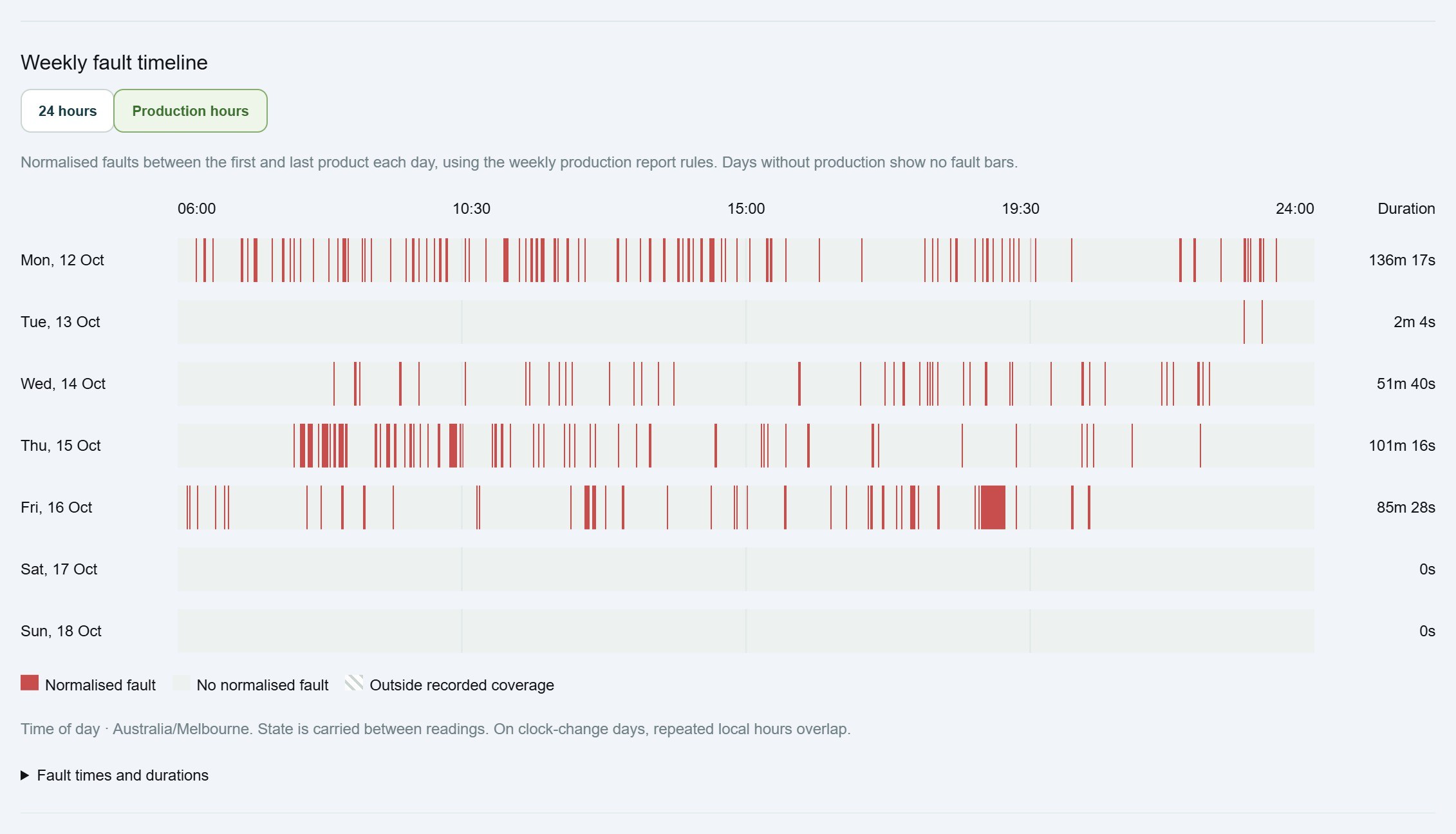
- The machine knows when it stopped, for how long, what product was running and, when the PLC reports one, which fault it raised: “Low air pressure”, “Carton jam station 3”, “Guard door open”.
- People know context the machine can't: waiting for materials, changeover, no operator, planned cleaning, a quality hold, upstream problems.
With automatic downtime tracking, fault codes come from the PLC and are explained by that machine's own alarm list. Your reason list then only needs to cover the human context. That alone typically shrinks it from 40 codes to 10 or fewer.
Keep it short: 8 to 12 reasons
A supervisor classifying stops at the end of a shift will use a list they can read at a glance. A good starting set for a packaging line:
- Changeover
- Planned cleaning or sanitation
- Waiting for product (upstream)
- Waiting for packaging materials
- Blocked downstream
- No operator available
- Breakdown – maintenance called
- Quality hold
- Planned maintenance
- Meeting, training or break
Notice what's missing: “Other”. If you must have it, review every use each week and either add a reason or reclassify it.
Make each reason actionable
Test every code with one question: if this reason topped the chart next month, would someone know whose problem it is? “Waiting for packaging materials” points to stores and scheduling. “Mechanical” points to nobody. Name reasons after the cause and the owner, not the symptom.
Decide who classifies, and when
Classification works best when it is someone's job, done regularly, from a list of stops that already has times and fault codes filled in:
- Supervisors classify stops for their shift, ideally before handover.
- Organisation administrators own the reason list itself, so it doesn't grow a new code every time someone is unsure.
- Viewers can see everything without changing the record.
This is how roles work in Astara: supervisors and administrators classify downtime, and only administrators change the reason list.
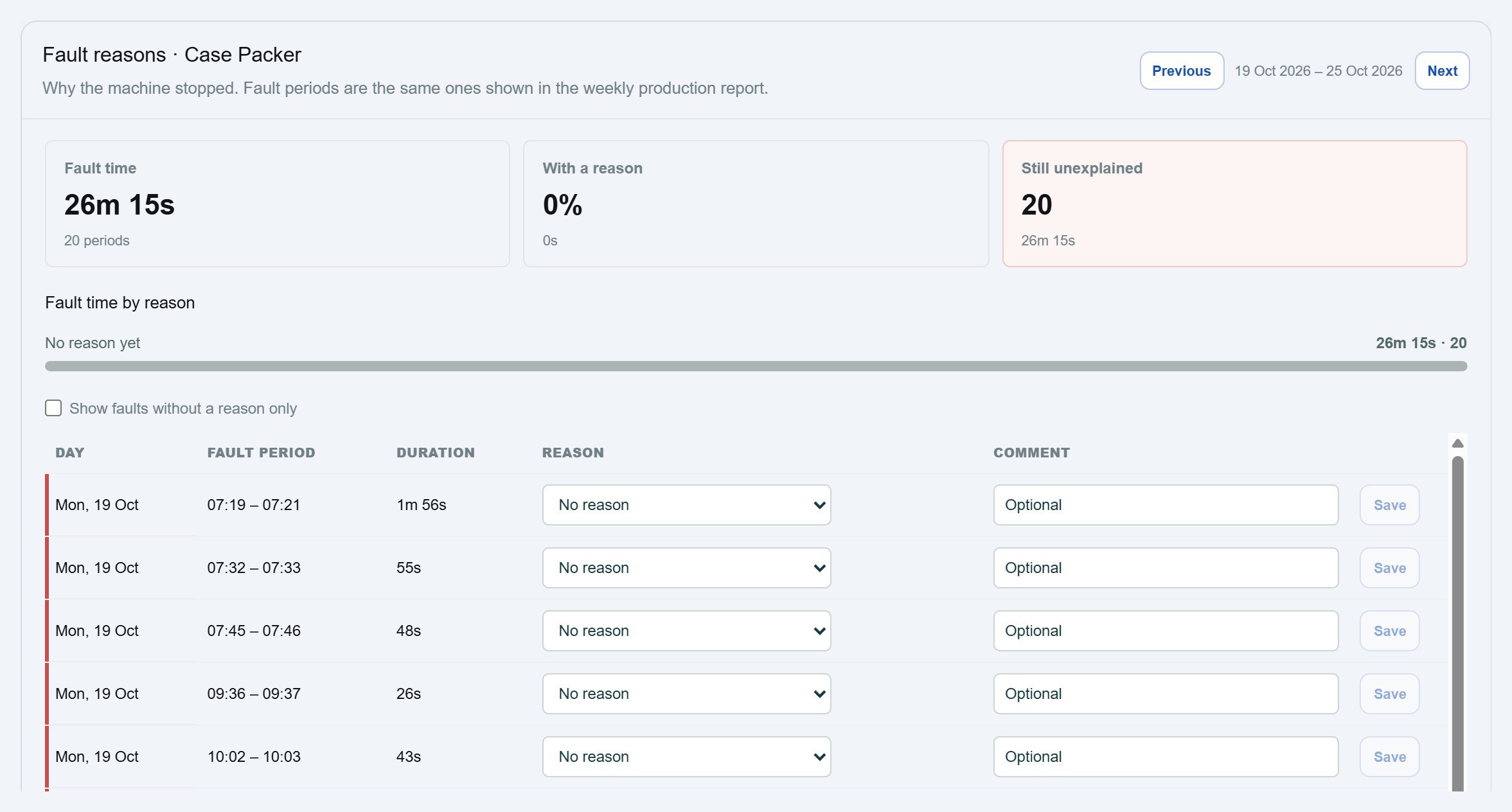
Don't classify everything
Classifying every 20-second stop isn't worth anyone's time. Set a threshold (for example, stops over two or five minutes) and classify those. Short stops are better analysed in aggregate from the machine data: count, total duration and fault code.
Review the list every quarter
- Merge reasons that are used interchangeably.
- Split a reason that dominates the chart and hides several causes.
- Retire reasons nobody has used in three months.
- Check whether a common reason could come from the machine instead, for example through a new PLC signal or alarm.
Use the result
Reason codes earn their keep in the weekly production meeting. Rank reasons by lost time, pick the top one, agree an action and an owner, and check next week whether it moved. Our 30-day downtime reduction plan shows that loop in practice.
Astara pairs automatic stop and fault capture from the PLC with a short, site-owned reason list. See downtime tracking, or contact us to try it on one machine.